My User Account
HS Worms
©
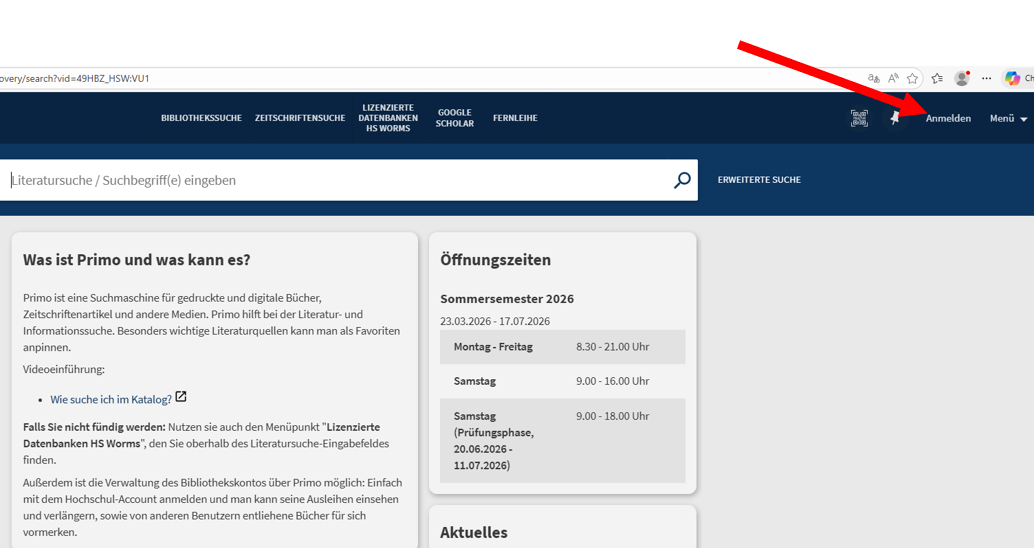
You can find your user account in the top right corner of Primo VE under “Sign In.”
There you can:
- View the items you currently have checked out.
- Check your fee balance.
- Renew the loan period for your checked-out items, provided they are not on hold for other users.
- Change your PIN for the self-checkout system in your user account.